TeamPage App for iPhone and iPad
The Traction® TeamPage App connects to your TeamPage server and makes it easy to stay up-to-date with discussions, notifications, and work across your organization — now with a redesigned experience. You can download the free TeamPage App from Apple's iOS App Store.
New in 2.
You can quickly scroll through notifications and recent discussions in a clean, mobile-optimized layout designed to help you focus on what matters most.
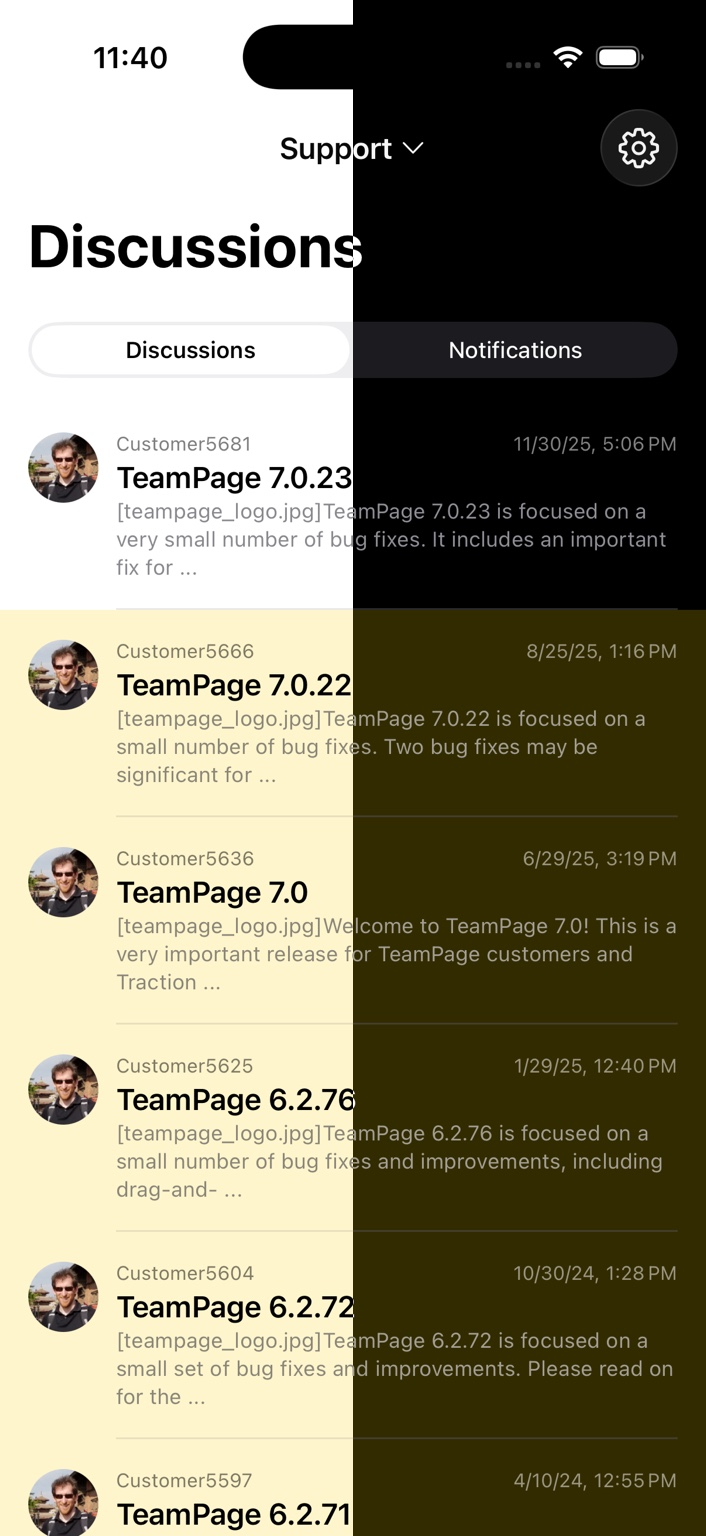
Articles that you read in the app are marked read in your notifications list, making it easy to manage notifications when switching between devices or servers.
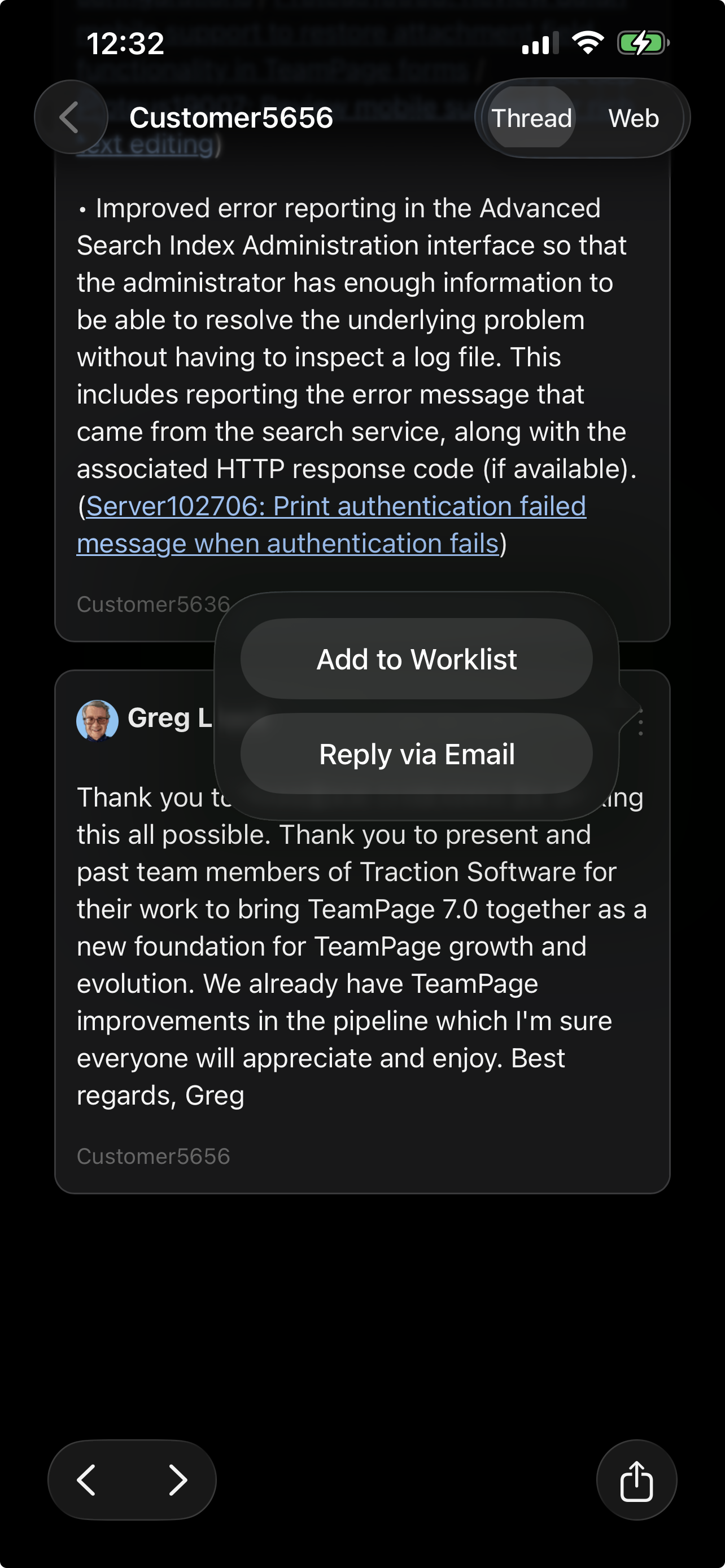
Using the context menu, you can add any article to your worklist or reply via email directly from within the app.
You can read, reply to, and manage your worklist even when offline; when you reconnect, your changes sync automatically back to your TeamPage server.
Features
The TeamPage iOS App lets you interact with your TeamPage servers wherever you are.
• New in 2.
• New in 2.
• New in 2.
• Unread tracking synchronized with TeamPage
• Add any entry to your worklist
• Reply via email to any entry
• Offline reading and syncing
Discussions
• This view lists all activity that you are allowed to see across your server.
• The most recently commented discussions appear first.
• The author, time, ID, and a snippet of the first unread comment are displayed in the list.
• When you open a discussion, the view scrolls directly to the first unread entry so you can catch up quickly.
Notifications
• Articles you are subscribed to or receive notifications for appear in the notifications list.
• Notifications you read or delete in the mobile app are synchronized with TeamPage.
• Quickly review updates and stay on top of conversations from anywhere.
Detail View
• A toggle switch lets you move between the native discussion view and the full live TeamPage web interface. The app remembers your preference so you can stay in your preferred view as you navigate.
• Context menu lets you add an entry to your worklist or reply via email (incoming email support must be configured on your TeamPage server).
• Swipe left or right to move to the next or previous discussion.
About TeamPage
Traction TeamPage is a powerful hypertext-based collaboration platform used worldwide by organizations in Consulting, Manufacturing, Education, and Government for Product Management, Business Process Management, Compliance Management, Knowledge Management, and collaboration.
 I18N ERROR: @tsiskin#footer_RSS_Feed